

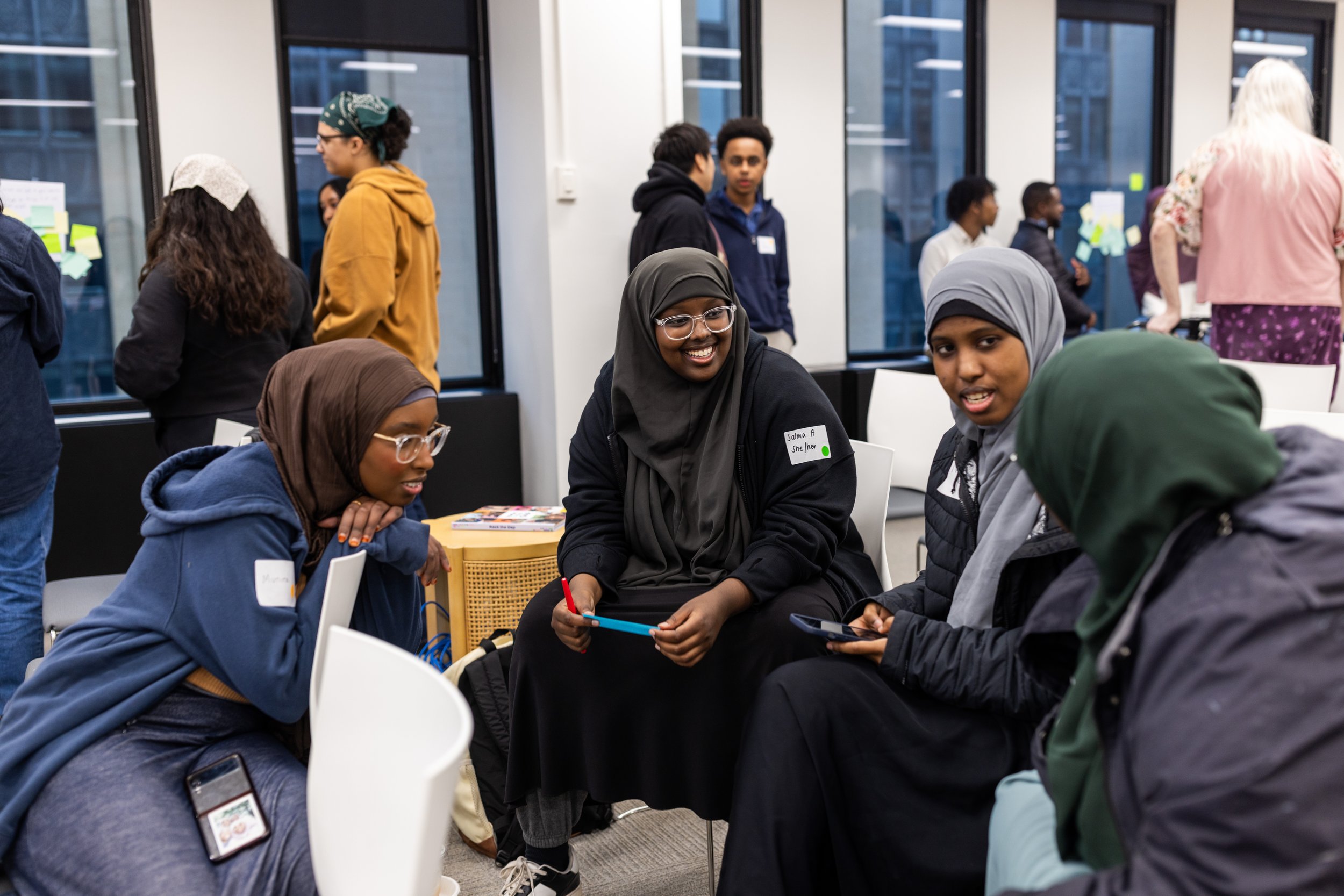


What is a Hackathon?
A hackathon is a rapid innovation process aimed at developing projects, prototypes and blueprints to address a particular challenge. This hackathon invites you to apply your creativity and skills to some of today’s most urgent healthcare challenges.
About our Hackathon

-
Join us for the Medtronic Hackathon — an immersive day of innovation, collaboration, and real-world problem solving centered around building a healthier, more accessible future. This hackathon invites you to apply your creativity and skills to some of today’s most urgent healthcare challenges.
We'll explore how technology can improve lives — not just in the operating room or lab, but across communities, digital spaces, and healthcare systems around the world.
-
This hackathon event is only for Medtronic’s Minnesota-based Engineering Summer Interns.
-
Explore one of the following challenge areas:
🩺 Cardiovascular -The Cardiovascular portfolio focuses on shaping the future of heart health by combining cutting-edge medical technologies, breakthrough therapies like pulse field ablation, and a connected digital ecosystem to deliver impactful patient care worldwide. The core operating units feature the following: Cardiac Ablation Solutions (CAS), Cardiac Rhythm Management (CRM), Cardiac Surgery, Coronary and Renal Denervation, Mechanical Circulatory Support, Structural Heart and Aortic (SH&A) and Peripheral Vascular Health.
🧠 Neuroscience -The Neuroscience portfolio delivers restorative care by utilizing advanced therapies like deep brain stimulation, spinal cord systems, and neurovascular intervention to alleviate chronic pain and treat complex neurological, spinal, and cranial conditions. Their core operating units feature the following: Neuromodulation, Cranial & Spinal Technologies (CST), Neurovascular, Pelvic Health, Ear, Nose & Thorat (ENT)
Event Schedule 🗓️
In Person Kickoff - Monday, July 6th | 2:30pm - 3:30pm
2:30 PM: Doors open.
2:45 PM: Team formation starts! We'll connect you with team members, though pre-formed groups are also welcome!
3:15 PM: Share contact information and start a work plan
3:30 PM: Wrap-up
Virtual Working Session - Thursday, July 9th | 9am - 5pm
9:00 AM: Online meetings open
5:00 PM: Wrap-up.
Demo Day - Friday, July 10th | 10am - 1pm
9:00 AM: Doors open (You’re welcome to come early to practice)
10:00 AM: Demos begin
12:30 PM: Prize announcements
1:30 PM: Wrap-up.
Link to presentation | Link to Medtronic Mission
FAQ’s
Q: Who can participate?
A: Medtronic summer interns
Q: What if I don’t have a team?
A: No problem! You can come alone, ready to connect with others, pitch ideas, or take on a supporting role in a team. If you register as an individual, we’ll help you find a team during the event.
Q: Do we get a prompt?
A: No, you don’t get a prompt. Within your focus area, be inspired by the challenges and opportunities that the company or teams care about and start there! Otherwise, feel free to get creative!
Q: What types of projects did people create last year?
A: We aren’t able to list specific teams or projects from past year but we can share overall themes. Some teams created solutions to help Medtronic managers manage workflow within their teams. Some created software solutions to support customers with Medtronic devices, some created solutions to help with better work
✅ A few things - straight to the point…
-
You’ll learn new skills, tricks, and maybe even a new programming language—so come ready to explore!
-
If you’re a designer or project organizer, consider having tools like:
✅ Sketch
✅ Canva
✅ Figma -
Many teams end up using React.JS; it’s the most popular Javascript framework right now. Be sure you can install and run `create-react-app` and then actually start up the app after it’s been created.
If your team decides to implement parts of the app in different languages, figure out what you’ll need to make them talk to each other before you go off and implement the individual pieces.
-
If at all possible, avoid writing a back end for the project; the presentation will be almost entirely dependent on how the front end works and looks. Substitute dummy data, dummy servers, dummy APIs where ever you can.
Similarly, avoid setting up APIs, authentication, authorization, and many other things you’d normally have to do for a real app. Unless you have people who are already deeply familiar with these things, you’re going to spend a lot of time reading, learning, testng, and debugging things which aren’t necessary for the demo. Instead fake these, just as you’d fake a back end server if at all possible.
-
Set up your team’s Git repository, on GitHub, Gitlab, BitBucket, etc., so that the master branch is protected, so team member cannot inadvertently push changes that overwrite other members’ changes.
Create a Git branch for every feature you work on. Establish up front a means for reviewing, testing, and merging branches on the remote git depot.
Make sure to communicate with your team members when branches are pushed up, merge/pull requests created, and so on, also if you’re dependent on unmerged branches when to pull them into your working repository.
You can use GUI Git tools if those are easier for you. Everyone doesn’t have to use the same means of working with git, either, for example, some people are more comfortable using the command line, others Sourcetree. This is perfectly fine.
-
Take time to align as a team before jumping into coding! Many teams think coding ASAP is the best approach, but spending time upfront to define goals will pay off later.
✅ Get to know each other – What does everyone want to get out of the hackathon?
✅ Share contact info – Stay connected throughout the event.
✅ Clearly define the problem – Who are your users? What are their needs?
✅ Set up your communication tools – Some useful options:Teams
GitHub / GitLab
Docs
Trello
-
Break work into small, manageable sprints. Set check-ins every few hours to keep things on track.
Assign key roles:
✅ Product Manager – Tracks which features are being built.|
✅ Project Manager – Manages tasks, repositories, and workflow.
✅ Timekeeper – Runs meetings and keeps things moving.
✅ Info Manager – Documents key insights, artifacts, and learning
-
⏳ Save time by avoiding common pitfalls:
🚫 Don’t build a full user management system – Fake logins & sessions work fine.
🚫 Don’t buy a domain name – Focus on the idea, not branding.
🚫 Don’t pick a completely new tech stack – Stick to tools at least one team member knows well.
🚫 If building a mobile app, demo it as a web page using Chrome/Firefox DevTools.
-
Easiest & recommended demo setup: Run your app from your laptop.
If deploying online, consider:
✅ GitHub Pages
✅ Netlify
✅ Surge.sh
-
Minimize complexity in data flow. If you need to show different data in your demo, use predefined JSON structures instead of building full databases.
Ways to simplify:
✅ Use static JSON files instead of setting up a database.
✅ Hardcode API responses rather than spending time on API integration.
✅ Discuss potential APIs, costs, and availability, but fake API responses if needed.
Additional Tips
Make your presentation and your solution visually interesting and appealing. The visuals aren’t everything, but they help! Use tools like Coolors, Canva and others to create a visual brand identity and simple logos that take less than 10 minutes.
Practice your presentation! In your practice, try to keep it around 4minutes 30seconds which gives you a little bit of a buffer.
Have a persona that you’re talking about in your presentation. This helps you tell a story about the challenge/opportunity and helps humanize your solution.
Have fun and encourage each other!
Demo Day - Suggested Presentation Outline
How to use your 5 minute presentation
Prepare a brief slide deck that provides an overview of your project. Your presentation should include (each item per slide):
Your team name (feel free to update it if you'd like)
The names of all team members
A clear description of the challenge you set out to solve
A clear explanation of your solution
The technology you used
Your approach to AI compliance
After the slides, move directly into your live demo.
Timing
Slides: 1.5–2 minutes
Demo: 2 minutes
Buffer: Approximately 1 minute for transitions or unexpected delays
To make the most of your time, consider running both the presentation and the demo from the same computer so you don't lose time switching devices.
Presentations will be strictly timed. A timekeeper will hold up signs indicating how much time remains so you can pace your presentation accordingly.